One of the things that made me fall head over heals for Neo4j so many years ago was just how extensible it was. If the database engineering team was busy rebuilding the clustering feature for the third time and didn’t have time to take care of my feature requests… I could just add them myself. Not to Neo4j directly, no that would have been a horrible mess. Instead I could add any feature I wanted as an “Unmanaged Extension”. Later on they became Cypher Stored Procedures, but it was basically the same thing. You had access to the top level Java API that dealt with Nodes and Edges. You could use the Traversal API that dealt with Paths….and if you were feeling extra spicy that day you could go down to the Storage API that dealt with Cursors over raw bytes.
I had spent prior jobs working with Oracle and Microsoft SQL Server so I never had that kind of power and freedom before. Well, it took a long time, but that power has come to MySQL in the form of a change tracking fork called VillageSQL. There are already a bunch of extensions that add UUID, Network Address custom types, Cryptographic Functions, Multi-Dimensional Geometry as well as AI helpers. So of course I had to try it out. I decided to add an extension for one of my other great loves, the Roaring Bitmap data structure.
You don’t have to start from an empty github repository, they provide a template extension repository to get you going in the right direction. Check the docs on how to build extensions as well. There is a good chance by the time you read this they will be on a new branch so double check that before you dive in.
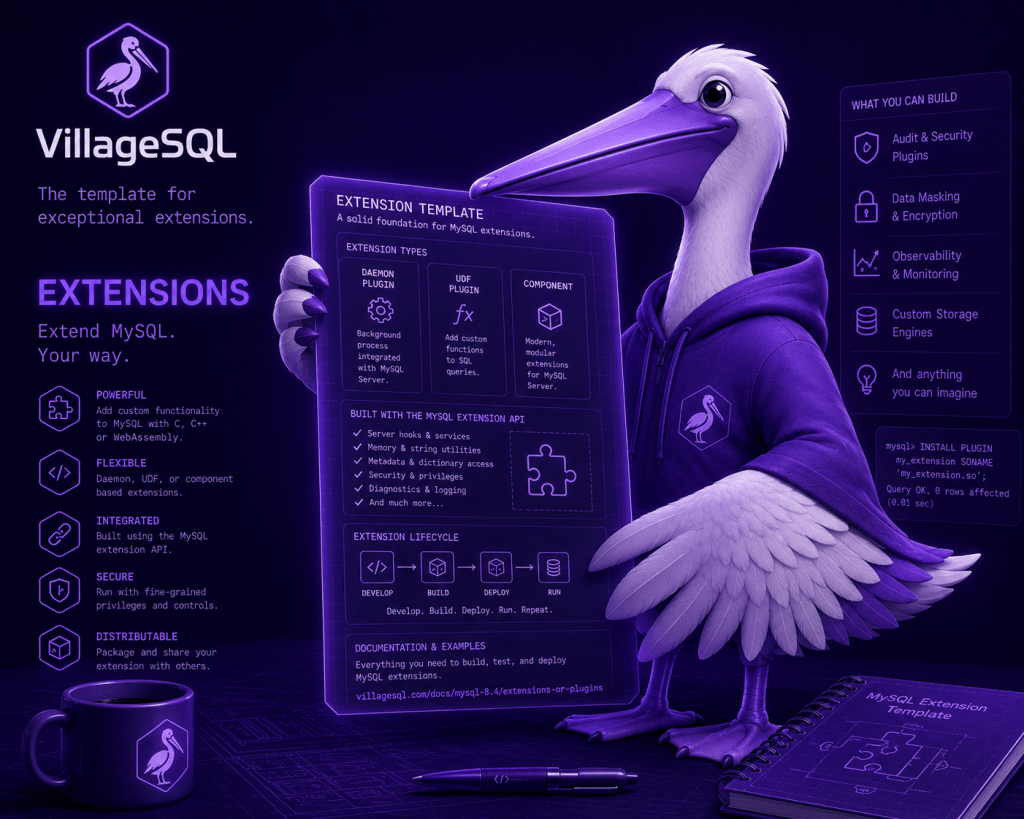
I made a clone of the template repository and brought up Visual Studio. I haven’t written any C++ in a little while, so I decided to Vibe Code this like all the cool kids. I don’t recall my initial prompt exactly but it was something like: “Take a look at Roaring64Map on https://github.com/RoaringBitmap/CRoaring . I want you to build a village sql extension using protocol 2 for roaring bitmaps that adds the common and set operation functions. See https://villagesql.com/docs/mysql-8.4/0.0.4-dev/extensions-or-plugins for more details.” It didn’t magically do all that. It just created the set operation UNION. Gotta feed the thing more tokens for it to do more work. So after a few more prompts we were in business.
It was nice enough to add mysql tests and result files (even if they were not actually ran until a test script was created). I ran into a few problems. The first was thinking I could use the SQL CAST keyword. But that doesn’t work, instead I have to create my roaring bitmap from a string method like this:
mysql> SELECT CAST('{1,5,10,255,1000}' AS ROARING64) AS my_bitmap;
ERROR 1064 (42000): You have an error in your SQL syntax; check the manual that corresponds to your MySQL server version for the right syntax to use near 'ROARING64) AS my_bitmap' at line 1
SELECT ROARING64::from_string('{1,5,10,255,1000}') AS my_bitmap; -- Works!
Once I got past that error, the second error was not displayed but eaten by the log instead.
[ERROR] [MY-010666] [Server] VillageSQL: 'field_length (0) != persisted_length (-1) for column val (type vsql_roaring_bitmap.ROARING64)'
The Roaring Bitmap data structure doesn’t have a set size. It changes depending on how much data it has and what the layout of the internals of it are. In this case we are converting the data structure to a String for display, so this was fixed by setting the size of the string to the StringResult out parameter before ending the function:
void roaring64_to_string(CustomArg in, StringResult out) {
  if (in.is_null()) { out.set_null();    return;  }

  Roaring64Map bitmap;
  std::string error_msg;
  if (!deserializeRoaring64Map(in, bitmap, error_msg)) {
    out.error(error_msg);
    return;
  }

  std::string value = roaring64ToString(bitmap);
  auto buf = out.buffer();
  size_t len = value.size();
  if (len > buf.size()) {
    out.error("ROARING64: output buffer too small");
    return;
  }
  memcpy(buf.data(), value.data(), len);
  out.set_length(static_cast<size_t>(len));
}
There were some minor issues on the VillageSQL side as well that Tomas Ulin took care of for me to get the Roaring Bitmap Village SQL extension to work with MySQL Stored Procedures. These have been merged so you don’t have to worry about that. I am using the protocol 2 include-dev headers so I had to configure my extension with:
-DVillageSQL_USE_DEV_HEADERS=ON
But by the time you read this, you may not need to do that.
So first we create our custom type and add a few required methods, the roaring64_to_string is a reference to the code above.
constexpr auto ROARING64_TYPE = make_type<kROARING64>() .persisted_length(-1) .max_decode_buffer_length(65535) .intrinsic_default_str("{}") .from_string<&roaring64_from_string>() .to_string<&roaring64_to_string>() .compare<&roaring64_compare>() .intrinsic_default_str("{}") .hash<&roaring64_hash>() .build();
Then we add the functions we will give our data type. These functions have a return value and one or more parameters.
VEF_GENERATE_ENTRY_POINTS( make_extension() .type(ROARING64_TYPE) .func(make_func<&roaring64_add>("roaring64_add") .returns(ROARING64_TYPE) .param(ROARING64_TYPE) .param(INT) .deterministic() .build()) .func(make_func<&roaring64_remove>("roaring64_remove") .returns(ROARING64_TYPE) .param(ROARING64_TYPE) .param(INT) .deterministic() .build()) //....more functions below
Next let’s take a look at one of them “intersection”. Most of the code is handling error conditions like null values and invalid roaring bitmaps being entered. The actual work is all in “result &= right_bitmap;”. This is because we are basically adding an existing data structure from a library vs creating one from scratch.
void roaring64_intersection(CustomArg in_l, CustomArg in_r, CustomResult out) { if (in_l.is_null() || in_r.is_null()) { out.set_null(); return; } Roaring64Map left_bitmap; Roaring64Map right_bitmap; std::string error_msg; if (!deserializeRoaring64Map(in_l, left_bitmap, error_msg)) { out.error(error_msg); return; } if (!deserializeRoaring64Map(in_r, right_bitmap, error_msg)) { out.error(error_msg); return; } Roaring64Map result = left_bitmap; result &= right_bitmap; if (!serializeRoaring64Map(result, out, "ROARING64::intersection", error_msg)) { out.error(error_msg); }}
After all the functions are defined and implemented, we can compile it and test it out. Another thing Tomas added was a local test script that runs mysql-test on an actual instance.
"$VILLAGESQL_BUILD_DIR" ./-/--. \ --="$EXTENSION_DIR/mysql-test" \ --=1 \ --- \ --=---="$VEB_DIR"
Once the extension was compiled I copied the .veb file to my village sql build folder:
cp vsql_roaring_bitmap.veb ~/build/villagesql/veb_output_directory
From here we can start messing around:
INSTALL EXTENSION vsql_roaring_bitmap;SELECT ROARING64::from_string('{1,5,10,255,1000}') AS my_bitmap;-- Elements in either bitmap but not bothSELECT roaring64_symmetric_difference( ROARING64::from_string('{1,2,3,4}'), ROARING64::from_string('{3,4,5,6}')) AS symmetric_difference_bitmap;-- Result: {1,2,5,6}
Oh look, we didn’t have to restart the server like Neo4j. Also if I changed the extension and wanted a new version, a simple UNINSTALL EXTENSION command wiped it, and then I could install it again and be in business. Eat that Neo4j. Actually I think Neo4j had live reloading of extensions at some point. I believe Craig Taverner built it, but I don’t think it ever got merged.
I think what VillageSQL is doing is pretty cool. It brings back memories of unrestricted power I had when using Neo4j vs other databases. One thing that took the wind out of my sails at Neo4j was when they added the Cloud hosted Neo4j, they didn’t allow user created extensions. That means I could only utilize that power on the ground on premises and not in the sky on the cloud. I’ve heard a rumor VillageSQL will let you YOLO and add extensions in their cloud hosting offering once it goes live. Can’t wait to see that!
If you want some inspiration, take a look at all the DuckDB extensions out there and see if you’d like any of them in MySQL. There is a good chance you can Vibe Code most of it so you don’t have to reinvent the wheel or get creative and build something totally new.
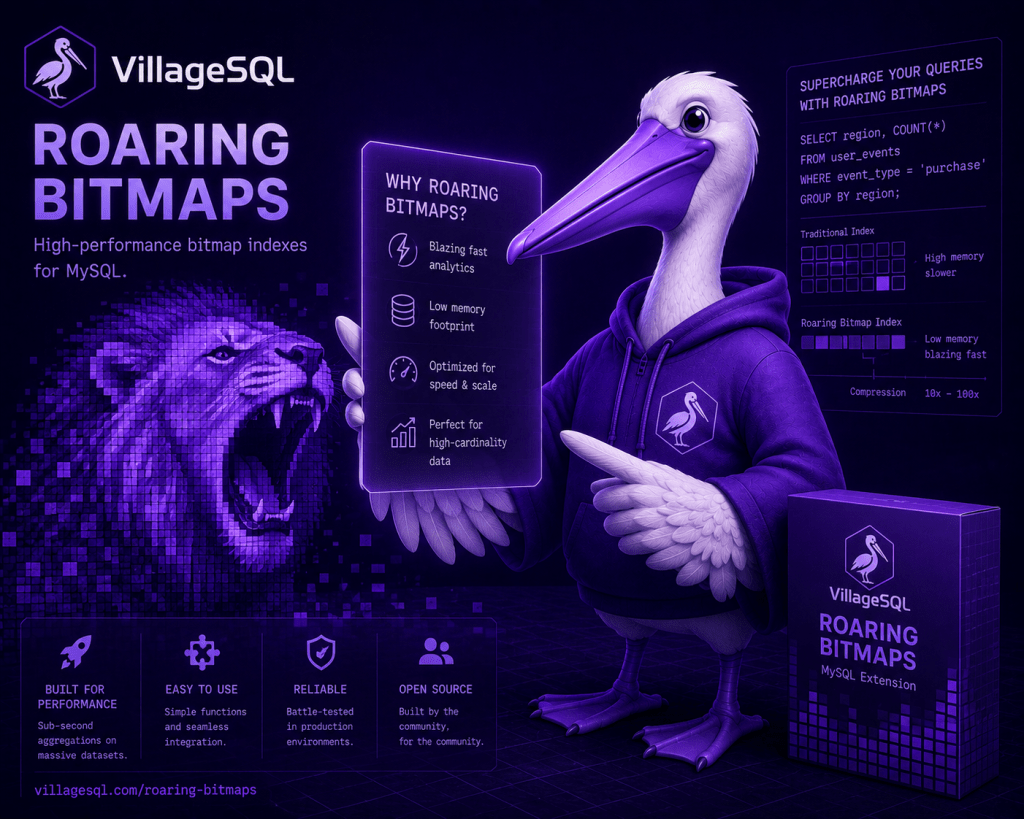
Anyway, once we are able to access the storage layer of MySQL and talk to Indexes and Tables from within an extension we’ll be able to create our own query plans making use of roaring bitmaps for the same things we did in Neo4j in prior blog posts. Like storing the thousands of people we don’t like, finding how many unique friends of friends we can reach k-hops levels deep, and all kinds of other fun stuff. So it’s not quite what the image below promises… but soon. Just you wait.


Interesting read! I wonder if you have actually tried doing this as a plugin. FWIW, I’ve just recently tried vibe-coding an entire plugin from scratch: https://mariadb.org/vibe-coding-an-audit-plugin-in-under-3-minutes/